
Appearance
Projects
A .rocprof-project file saves a workspace so you can reopen the same captures with the same layout and settings.
Saving and reopening
Save project writes the open captures, the active tab, and the per-capture workspace state (including the dock layout). Open project restores them. The per-capture workspace state — dock layout, selected ranges, view preferences — lives only in the project file; it is not kept in browser localStorage. Machine-wide preferences (theme, code font, display scaling, ISA columns, import preference) are stored separately in localStorage and are not part of the project.
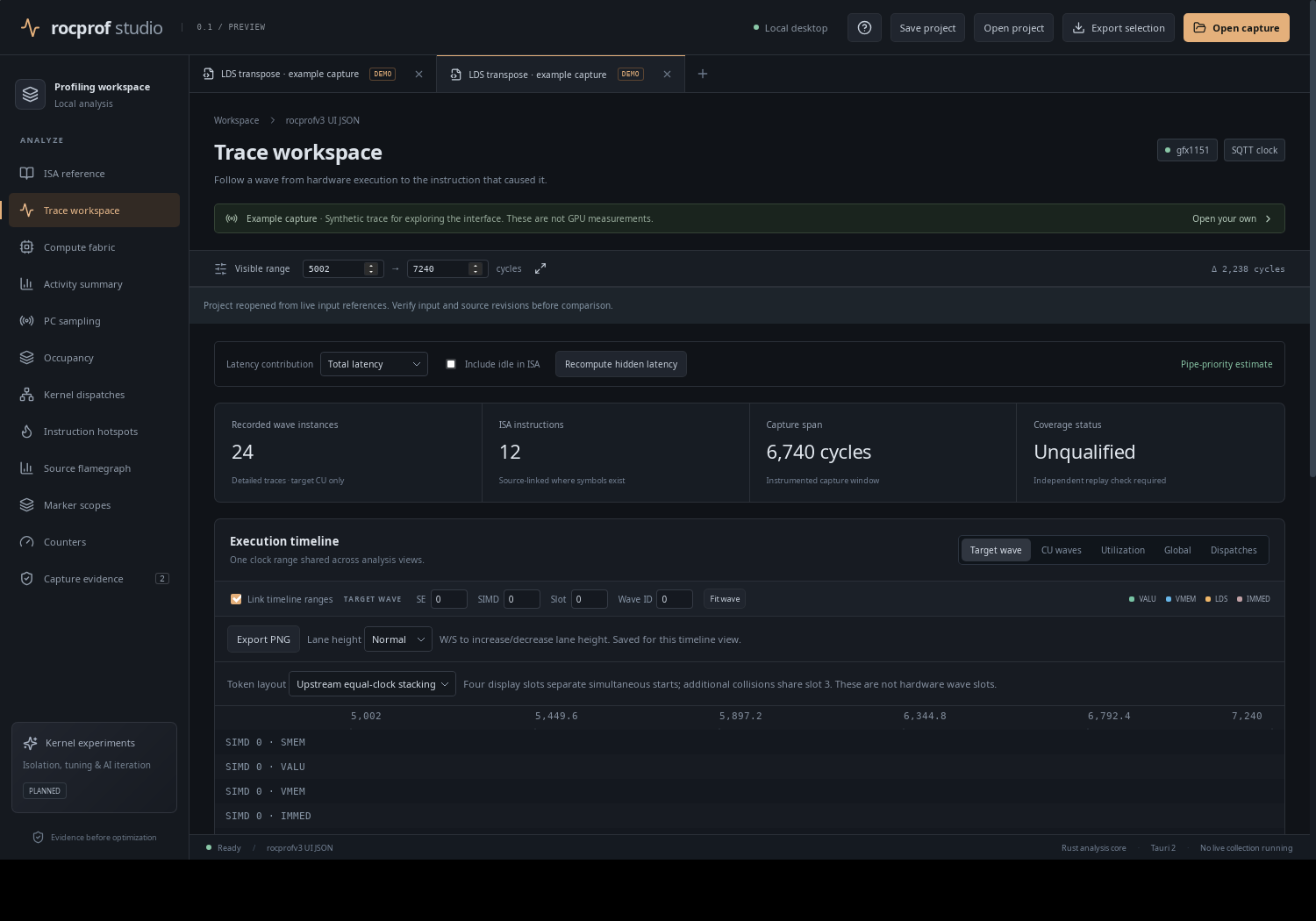 Reopening a saved project in the desktop app.
What state is preserved
- The set of open captures and which one is active.
- Each capture's dock layout (the recursive split tree), pinned panels and arrangement.
- Per-capture view state carried in
TabState. - A fingerprint of each capture's input file set (see below).
- The counter-definition library.
Embedded source replacements are stored up to 2 MiB per file / 16 MiB per capture; larger native source mappings are referenced up to 512 MiB per file rather than embedded. The project file itself is bounded to 128 MiB.
Fingerprints and failed reopen
Reopening re-checks the capture's inputs against a stored fingerprint. The project reader computes a SHA-256 file-set fingerprint before import and rejects a changed input set — "Project capture input changed since import; open the capture separately to inspect the new data" — and re-checks after import ("Capture inputs changed during import"). This is a deliberate guard: a project is a view onto specific recorded inputs, and it refuses to silently show you different data under the same workspace.
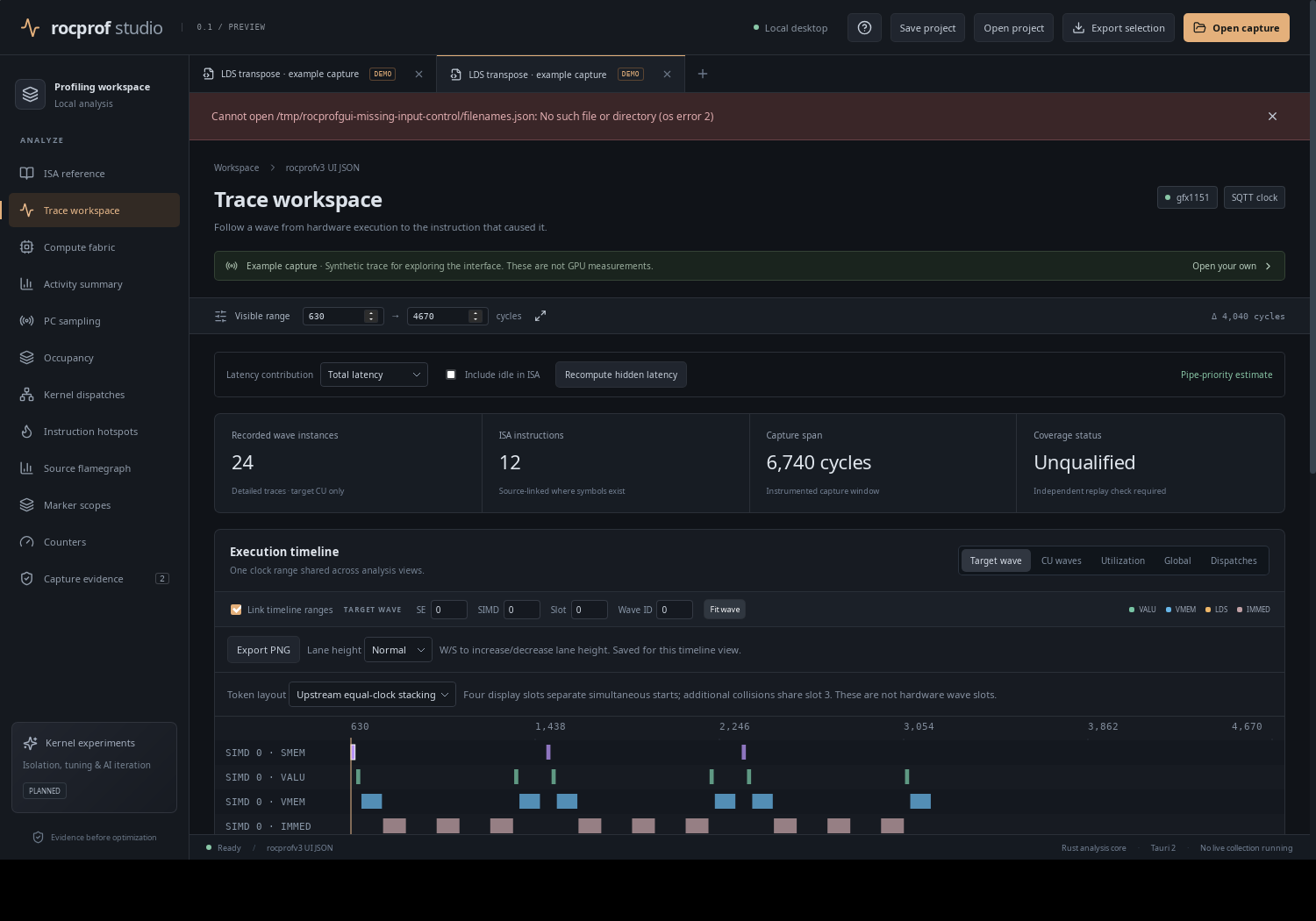 When a capture can no longer be loaded, the reopen surfaces the failure rather than opening a partial, misleading workspace.
A note on the README's wording
Older README text said reopening uses "the current input contents, without a revision fingerprint", which contradicts a later line about retaining native capture fingerprints. The code enforces the fingerprint comparison described above; follow the behaviour, not the stale sentence.
Over MCP
The same documents are scriptable: project_open restores a project's captures/workspace, and project_save writes one (omit the project argument to save the open captures with default view settings, or pass a project object from project_open to retain full workspace settings). See MCP mode.